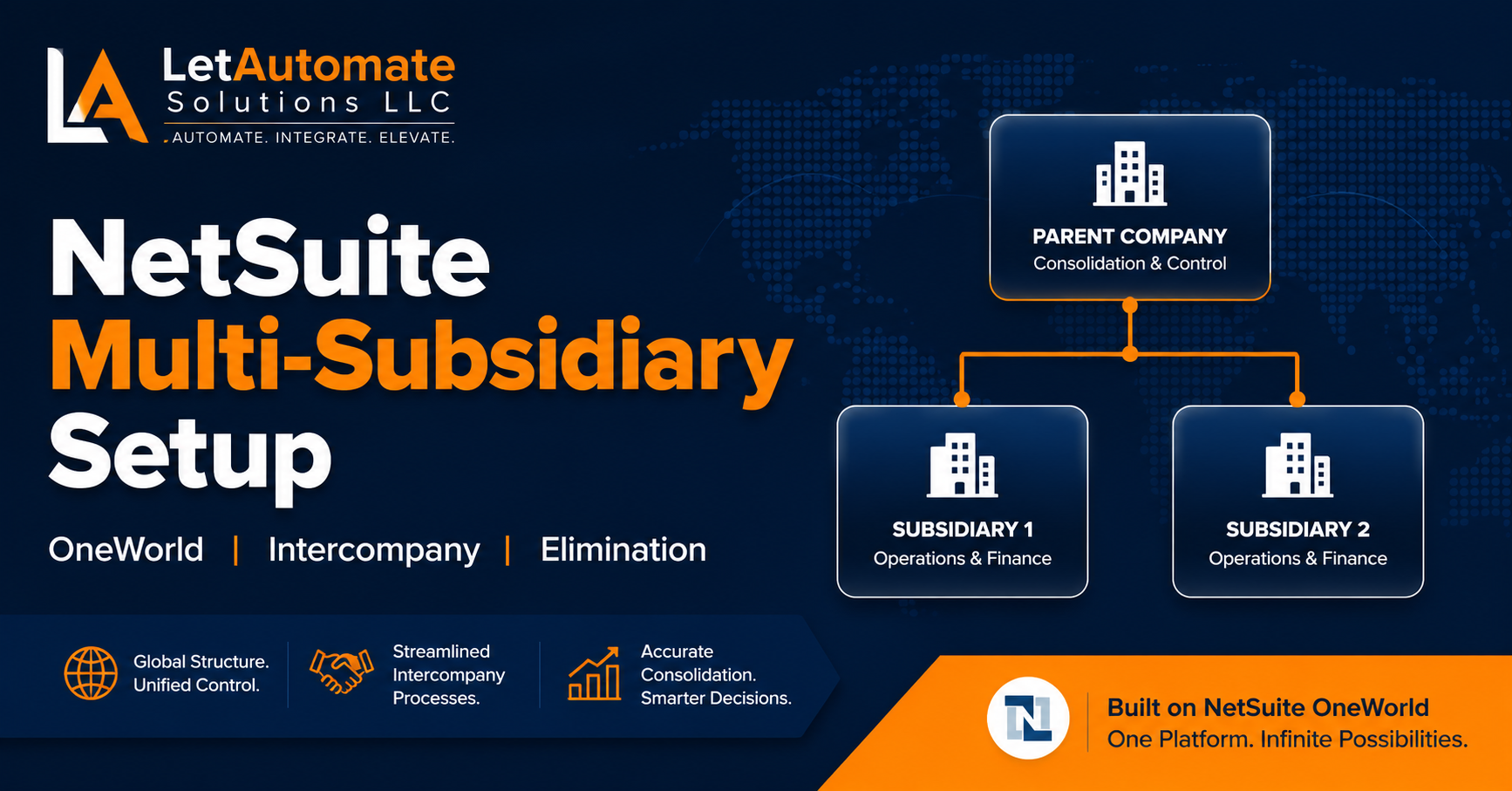
Setting up multi-subsidiary in NetSuite OneWorld is one of the most high-stakes configuration decisions in any Distribution company ERP project.
Get the hierarchy wrong at the start and you are looking at months of reconciliation pain, consolidated reports that never balance, and intercompany transactions that refuse to eliminate correctly.
After 15+ years configuring NetSuite for distribution businesses, I have built a free AI Skill file that turns Claude or ChatGPT into a senior NetSuite TechnoFunctional Consultant for subsidiary setup — asking the right questions, walking through configuration in the correct sequence, and flagging the pitfalls before they become project delays.
Download the Free NetSuite Subsidiary Setup AI Skill →
What Is NetSuite OneWorld Multi-Subsidiary?
NetSuite OneWorld is the multi-entity version of NetSuite. It allows you to run multiple legal entities — subsidiaries, regional companies, holding structures — inside a single NetSuite account with consolidated financial reporting.
For a Distribution company, this typically means:
- A parent (holding) entity that owns the group
- Operating subsidiaries in different countries or regions
- Intercompany transactions between entities (stock transfers, management fees, IC billing)
- Consolidated P&L and Balance Sheet that eliminates intercompany activity
Without correct setup, your consolidated reports will include revenue and costs that should cancel each other out — overstating group revenue and creating a P&L that does not reflect reality.
The 5 Things That Break NetSuite Subsidiary Setup
Most multi-subsidiary problems trace back to one of these five mistakes. I have seen every one of them on real projects.
1. Wrong Subsidiary Hierarchy From Day One
The parent-child relationship between subsidiaries in NetSuite is very difficult to change after transactions exist. Many implementations set this up based on the current legal structure without thinking about how the business will look in two years — new entities, acquisitions, regional restructures.
Before you configure anything, map out the hierarchy on paper first. Parent, children, and whether you need an elimination subsidiary.
2. Intercompany Accounts Not Mirrored
For intercompany elimination to work, every Intercompany Receivable account on one entity must have a matching Intercompany Payable account on the other entity. The account numbers, currencies, and subsidiary access must align exactly.
Miss this and AIM (Automated Intercompany Management) either cannot generate elimination journals or generates them incorrectly.
3. Elimination Subsidiary Created When Not Needed (Or Not Created When It Is)
An elimination subsidiary is a reporting-only entity in NetSuite that holds intercompany elimination journals. It sounds simple but the decision of whether to use one — and how — is often made incorrectly.
Use it when: you are doing manual eliminations or your IC transaction structure requires a dedicated entity to hold elimination entries.
Do not use it when: AIM is handling all eliminations automatically and your structure is straightforward.
Using one when you should not creates duplicate elimination entries. Not using one when you need it means eliminations have nowhere to post.
4. Currency Setup Done After First Transactions
If you have multi-currency subsidiaries, exchange rates and consolidation currency translation rules must be configured before any transactions are posted. Once transactions exist at the wrong rate setup, correcting them is a major cleanup project.
5. AIM Enabled Mid-Project
Automated Intercompany Management (AIM) is NetSuite’s automated elimination engine. Enabling it after manual intercompany journal entries already exist causes duplicate elimination journals that are painful to untangle.
The rule: decide at the start whether you are using AIM or manual elimination, and stick to it.
The Correct Setup Sequence for Distribution Companies
Here is the order that matters. Deviation from this sequence is the single biggest cause of subsidiary configuration problems.
Step 1: Design the subsidiary hierarchy on paper before touching NetSuite
Step 2: Set up Chart of Accounts — specifically the intercompany receivable and payable accounts — before creating subsidiaries
Step 3: Create the parent subsidiary first, then child subsidiaries in order
Step 4: Set up currency and exchange rate rules for each subsidiary
Step 5: Configure Intercompany Preferences (Setup > Accounting > Preferences > Intercompany Preferences)
Step 6: Create IC Customer and IC Vendor records for each subsidiary pair
Step 7: Enable and configure AIM if using automated elimination (Setup > Accounting > Automated Intercompany Management)
Step 8: Set up consolidation exchange rates (Lists > Accounting > Consolidation Exchange Rates)
Step 9: Run a test end-to-end IC transaction and confirm elimination generates correctly before go-live
Intercompany Transaction Types for Distribution
Distribution companies typically need these IC transaction flows configured:
Intercompany Purchase Orders and Sales Orders One entity purchases from another. Requires IC Customer and IC Vendor set up on both sides of the relationship, with matching IC accounts.
Intercompany Stock Transfers Inventory moves between entities or warehouse locations across subsidiaries. Affects inventory valuation on both sides and must be carefully configured to avoid costing errors.
Management Fee / Head Office Recharges The parent entity charges subsidiaries for shared services, management oversight, or allocated costs. Usually a monthly IC billing transaction or journal entry.
Intercompany Loans Funding between entities. Requires loan account setup on both sides and a process for interest accrual and periodic reconciliation.
Validation: How to Know If Your Setup Is Working
Before go-live, run through this checklist on your test environment:
✅ Consolidated P&L shows intercompany revenue and cost lines netting to zero
✅ Consolidated Balance Sheet: IC Receivables net against IC Payables (both sides clear)
✅ Elimination subsidiary (if used) contains only elimination journal entries — no real transactions
✅ CTA (Currency Translation Adjustment) account populates correctly in equity
✅ Each subsidiary’s individual P&L is unaffected by elimination entries
✅ AIM-generated elimination entries match expected amounts when IC transactions are posted
If any of these fail, the problem is almost always in steps 2 through 6 of the setup sequence above.
Free AI Skill Download — NetSuite Subsidiary Setup
I spent 15 days building a set of AI Skill files for NetSuite TechnoFunctional Consultants and Distribution companies going through NetSuite implementation or rescue projects.
The Subsidiary Setup skill turns Claude or ChatGPT into a senior NetSuite consultant for this specific area. When you add it to a Claude Project or ChatGPT Custom GPT, you can simply describe your setup and it will:
- Ask the right clarifying questions about your structure
- Walk you through configuration in the correct sequence
- Warn you about the pitfalls specific to your scenario
- Give you a validation checklist
- Provide questions to challenge your implementation partner
This is a starting point — not a replacement for expert implementation support. But for the scoping stage, the pre-go-live audit, or the “is this the right approach?” conversation, it gives you the functional clarity that usually costs consulting hours.
⬇️ Download the Free Skill File {#download}
What you get:
- NetSuite Subsidiary Setup AI Skill file (.md format)
- Works with Claude (claude.ai), ChatGPT, Google Gemini, and Microsoft Copilot
- Step-by-step guide on how to add it to Claude Projects or ChatGPT Custom GPTs
- Validation checklist included
Download NetSuite Subsidiary Setup AI Skill →
(Free download. No email required. Built from real implementation experience.)
Need Expert Help With Your NetSuite Subsidiary Setup?
If your multi-subsidiary setup is broken, your elimination is not working, or you are about to start a OneWorld implementation and want to get it right — that is what we do.
LetAutomate Solutions LLC provides:
🔹 NetSuite Rescue Projects — fix broken subsidiary and elimination configurations
🔹 NetSuite Health Checks — audit your current OneWorld setup and identify risks
🔹 NetSuite Implementation Support — get it right from the start
🔹 AI Business Automation (BAI) — automate intercompany transaction workflows
Based in the US. Working with Distribution companies across North America and internationally.