Your sales team thinks the order is done when the customer signs. Your finance team knows it is done when the cash hits the bank.
Everything in between — fulfillment, invoicing, AR management, cash matching — is where Distribution companies silently lose margin, miss compliance requirements, and build up an AR aging that nobody fully trusts.
After 15+ years configuring NetSuite for Distribution companies, I have built a free AI Skill file that turns Claude or ChatGPT into a senior NetSuite O2C consultant — covering the full cycle from customer and pricing setup through cash collection, with Distribution-specific scenarios built in.
Download the Free NetSuite O2C AI Skill →
What O2C Means in a Distribution Company Context
Order to Cash (O2C) in NetSuite covers the entire customer-side workflow:
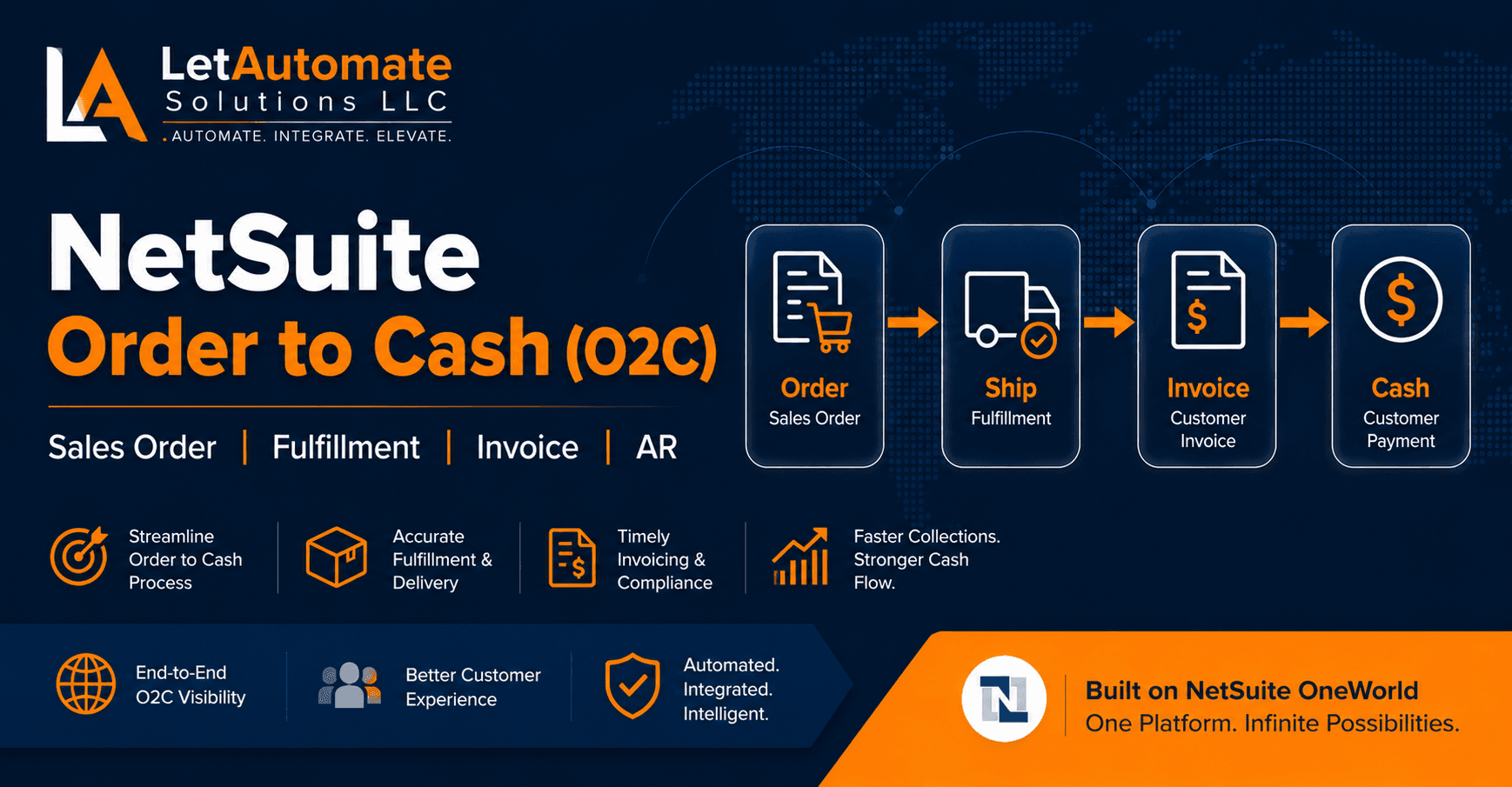
Customer Setup → Pricing Setup → Sales Order → Item Fulfillment (Pick/Pack/Ship) → Invoice → Cash Receipt → AR Cleared
For a Distribution company selling to wholesale customers, retail chains, or B2B accounts, this involves customer-specific pricing, credit limit enforcement, high-volume fulfillment from multiple warehouse locations, and a cash matching process that needs to handle partial payments, overpayments, and disputed invoices without the AR aging becoming a fiction.
The 5 O2C Mistakes I Fix Most Often in NetSuite Distribution
1. Invoice Raises on Order Creation, Not on Fulfillment
This is the most common O2C compliance error in Distribution companies — and it is easy to miss because the system appears to work correctly.
When an invoice raises at Sales Order confirmation, revenue is recognised the moment the customer places the order — not when the goods leave the warehouse. For most Distribution businesses this violates basic revenue recognition principles and creates a timing mismatch between your P&L and your actual shipped revenue.
The correct setup: invoice triggers automatically when Item Fulfillment is saved and the goods have physically left the warehouse.
2. No Credit Limit Enforcement
NetSuite has a credit limit field on every customer record. But setting a credit limit and enforcing it at Sales Order entry are two different things.
Many implementations I review have credit limits entered on customer records but no hold trigger configured. Customers with overdue balances — or accounts over their credit limit — keep getting new orders processed without any system intervention.
The result: AR grows, collection becomes harder, and by the time someone reviews the aging report, the problem is already three months deep.
3. Price Override with No Approval Required
Sales reps can discount. That is not the problem. The problem is when a price override in NetSuite requires no approval and generates no alert.
When any rep can drop the price to any level on any order, your margin reports become meaningless. You cannot tell whether low-margin orders are strategic decisions or errors until it is too late to reverse them.
The correct setup: a price override threshold — say, more than 10% below list — triggers an approval requirement before the order can proceed.
4. Partial Fulfillment Not Configured
Distribution companies constantly ship partial orders. Stock runs out, customers request partial delivery, items are on backorder. This is normal.
What is not normal is a NetSuite setup that tries to fulfill the complete order every time and fails when any line is unavailable — or worse, one that ships partial quantities without properly tracking what is still outstanding.
The correct setup: partial fulfillment enabled, backorder handling configured, and clear status tracking on Sales Orders so both the warehouse and the customer service team know exactly what has shipped and what is pending.
5. Cash Receipts Left Unmatched
Unapplied cash is the quiet problem in Distribution AR. A customer pays £50,000 against three invoices but references their own PO numbers, not your invoice numbers. The payment sits as unapplied cash while all three invoices show as overdue. Collections chases the customer who just paid.
This is a process problem as much as a system problem — but NetSuite can be configured to make matching easier through auto-apply rules, customer PO number tracking on invoices, and a clear process for handling partial payments and remittance advice.
The Correct O2C Configuration Sequence for Distribution
Step 1: COA Setup Before any O2C configuration, confirm these accounts exist: AR Control, Deferred Revenue (if needed), Freight Charged to Customers, Sales Discounts, Customer Returns.
Step 2: Customer Setup (Lists > Relationships > Customers) Credit limit, payment terms, currency, tax code, subsidiary access, price level, parent/child hierarchy for group accounts. Every field affects downstream behavior.
Step 3: Pricing Setup (Lists > Accounting > Price Levels) Decide between Price Levels (simple, per customer group) and Price Schedules (complex, volume-based, time-limited). Configure customer-specific pricing where needed. Set price override thresholds and approval requirements.
Step 4: Sales Order Configuration (Transactions > Sales > Enter Sales Orders) Configure SO form for Distribution (customer PO number field, ship-to address, requested delivery date). Set up credit hold and inventory hold triggers. Configure partial shipment and backorder handling.
Step 5: Fulfillment Setup (Transactions > Sales > Fulfill Orders) Decide on single-step fulfillment vs. Pick/Pack/Ship phased process. Configure multi-location fulfillment rules if shipping from more than one warehouse. Set up carrier integration if applicable.
Step 6: Invoice Timing Set invoice to trigger on Item Fulfillment (not on Sales Order). Configure the invoice form to include customer PO number — critical for wholesale customers whose AP teams will only pay against a PO reference.
Step 7: AR and Cash Receipt Setup Configure Undeposited Funds workflow for customer receipts. Set up auto-apply rules for straightforward customers. Define the process for partial payments, overpayments, and disputed invoices. Set up AR Aging report schedule for the collections team.
Fulfillment Deep Dive: Pick, Pack, and Ship for Distribution
For Distribution companies with warehouse operations, how you configure fulfillment in NetSuite determines whether your warehouse team can actually use the system — or prints everything off and works on paper.
Single-step fulfillment: One action creates the fulfillment record, reduces inventory, and triggers the invoice. Appropriate for smaller operations or direct-delivery scenarios. Simple to configure, simple to use.
Pick/Pack/Ship (phased fulfillment): Three separate stages, each recorded in NetSuite:
- Pick: warehouse confirms which items have been picked to fulfill the order
- Pack: items are packed, box count and weight recorded
- Ship: shipment confirmed, tracking number added, customer notification triggered, invoice raised
This level of granularity suits Distribution companies with structured warehouse operations, high order volumes, or customer requirements for shipment tracking and proof of delivery.
The decision between single-step and phased fulfillment should be made based on warehouse operations reality — not what is easiest to configure. Getting it wrong means the system does not match how the warehouse actually works.
Credit Control: Protecting Your AR in NetSuite
For Distribution companies with large wholesale customers on Net 30 or Net 60 terms, credit control is not optional. NetSuite supports three levels of credit control:
Credit Limit Hold: Sales Order automatically placed on hold if the customer’s outstanding AR balance plus the new order value exceeds their credit limit. Order cannot be released without finance approval.
Overdue Hold: Sales Order placed on hold if the customer has invoices past due beyond a configured number of days. Even if they are within their credit limit, overdue balances trigger a hold.
Manual Hold: Finance team places a specific customer on hold manually. No new orders process until the hold is lifted.
All three should be configured for most Distribution businesses. The specific thresholds — how many days overdue, what percentage of credit limit — depend on your credit policy, but the controls should exist from day one.
Validation: End-to-End O2C Test Checklist
Before going live, run a complete end-to-end test and confirm all of these:
✅ Sales Order created → inventory committed and reserved correctly
✅ Credit hold triggers when customer balance plus new order exceeds credit limit
✅ Price override beyond threshold requires approval before SO can proceed
✅ Item Fulfillment reduces inventory and updates SO status to Shipped
✅ Invoice generates only after Item Fulfillment is saved (not on SO creation)
✅ Invoice posts revenue to correct GL account and correct accounting period
✅ Customer PO number appears on invoice
✅ Customer payment applies to the correct invoice and clears AR balance
✅ AR Aging report shows correct outstanding balance per customer
✅ Returns: Credit Memo correctly reverses revenue and updates inventory
✅ Unapplied cash balance is zero after all receipts are matched
Free AI Skill Download — NetSuite O2C Setup {#download}
The O2C AI Skill turns Claude or ChatGPT into a senior NetSuite O2C consultant for Distribution. Add it to a Claude Project or ChatGPT Custom GPT and it will:
- Ask about your sales model, fulfillment model, and invoice timing before advising
- Walk you through the configuration sequence in the correct order
- Cover credit control, pricing, and partial fulfillment for Distribution specifics
- Flag the compliance risks (revenue recognition, credit exposure) before they cause problems
- Give you questions to challenge your implementation partner’s O2C design
Download NetSuite O2C AI Skill →
(Free download. No email required. Built from real Distribution implementation experience.)
Need Expert Help With Your NetSuite O2C?
Revenue recognised at the wrong time, AR aging nobody trusts, credit control not enforced, fulfillment not matching warehouse reality — these are fixable problems.
LetAutomate Solutions LLC provides:
🔹 NetSuite O2C Configuration and Rescue — configure or fix the full customer-side workflow
🔹 Credit Control and Pricing Setup — protect your margin and your AR
🔹 NetSuite Health Checks — audit your O2C configuration and identify compliance risks
🔹 AI Business Automation (BAI) — automate order processing, fulfillment alerts, and cash matching
Based in the US. Working with Distribution companies across North America and internationally.