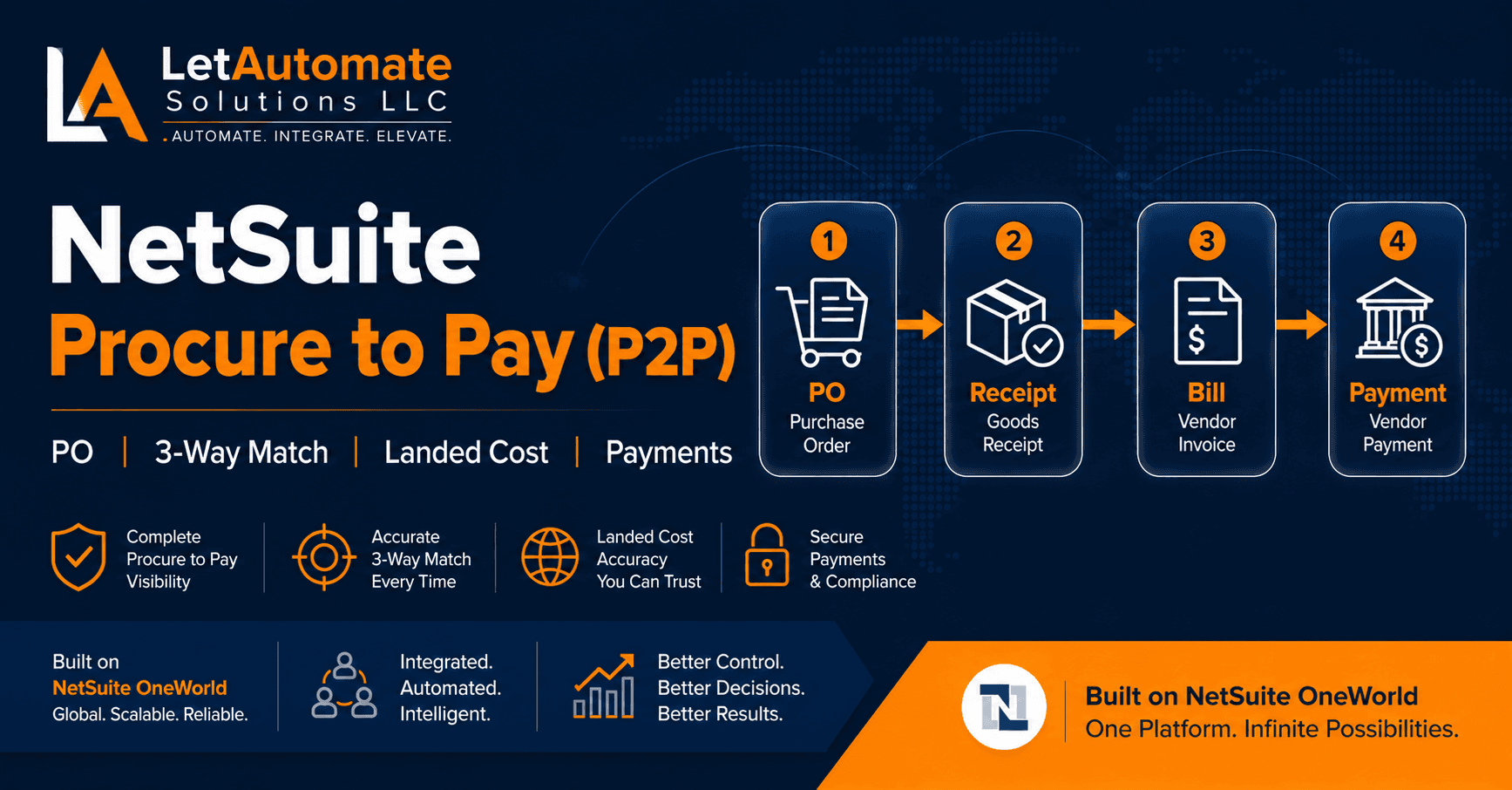
Procure to Pay is where most Distribution company NetSuite implementations quietly fall apart — not dramatically, but slowly, over months.
The purchase orders are raised. The goods arrive. The vendor bills come in. The payments go out. But underneath, the 3-way match is not enforced, the landed costs are not allocated, and the GRNI account is growing month by month with unmatched receipts.
By the time someone flags it, the damage is six months of incorrect inventory valuation, COGS that does not reflect true cost, and an AP aging that nobody trusts.
After 15+ years configuring NetSuite P2P for Distribution companies, I have built a free AI Skill file that turns Claude or ChatGPT into a senior NetSuite P2P consultant — covering the full flow from vendor setup through payment processing, with Distribution-specific scenarios built in.
Download the Free NetSuite P2P AI Skill →
What P2P Means in a Distribution Company Context
Procure to Pay (P2P) in NetSuite covers the entire supplier-side workflow:
Vendor Setup → Purchase Order → Goods Receipt (Item Receipt) → Landed Cost Allocation → Vendor Bill (3-Way Match) → Vendor Payment
For a distribution company importing goods, this typically involves multiple vendors per purchase — the product supplier, the freight forwarder, the customs/duty agent — each billing separately for their part of the landed cost. Configuring NetSuite to handle all of this correctly, while enforcing 3-way match and maintaining accurate inventory valuation, is where most generic implementations miss the mark.
The 5 P2P Problems I Fix Most Often in NetSuite Distribution
1. The GRNI Account Is Missing or Not Used Correctly
Goods Received Not Invoiced (GRNI) is a liability account that bridges the gap between receiving goods and receiving the vendor bill.
When you save an Item Receipt in NetSuite, the inventory value goes up and GRNI goes up by the same amount. When the vendor bill arrives and is matched to the receipt, GRNI goes back to zero and AP goes up.
Without a correctly configured GRNI account, saving an Item Receipt posts directly to COGS — meaning you recognise the cost before you receive the bill. Your COGS is wrong, your AP is wrong, and your inventory valuation is unreliable.
2. Landed Costs Are Not Allocated to Inventory
When a Distribution company imports goods, the true landed cost includes the product cost, ocean freight, import duty, insurance, and agent fees. All of these should be allocated to the inventory value — affecting COGS when the goods are sold.
Most implementations I review either skip landed cost entirely (posting freight and duty as period expenses) or add it incorrectly after the Item Receipt has already been saved and costed.
The result: COGS is consistently understated, margin reports are wrong, and nobody realises until a product profitability analysis is run.
3. The 3-Way Match Exists in Name Only
NetSuite has a 3-way match feature. It links the Purchase Order, the Item Receipt, and the Vendor Bill together. But enabling the feature and enforcing it are two different things.
In most implementations I review, vendor bills can be approved and paid even if the corresponding Item Receipt has not been saved. The match exists but is not enforced. Which means payments go out for goods that may not have arrived.
4. PO Approval Workflow Bypassed by Permissions
A PO approval workflow that does not restrict who can approve means users can approve their own purchase orders. This defeats the purpose entirely and is one of the most common audit failures in NetSuite environments.
The workflow must be paired with role and permission restrictions — otherwise it is a suggestion, not a control.
5. Foreign Currency POs Not Handled Correctly
Distribution companies buying from overseas suppliers deal with currency mismatches constantly. The PO is raised in USD, the supplier invoices in USD, but the company books in GBP. The exchange rate on the PO date and the bill date will differ.
Without a dedicated FX variance account set up in the COA and configured in NetSuite, this variance posts to the wrong account — usually to COGS, understating or overstating product cost unpredictably.
The Correct P2P Configuration Sequence for Distribution
Step 1: COA Setup Before any P2P configuration, confirm these accounts exist: AP Control, GRNI, Landed Cost accounts (one per landed cost type), FX Variance, Purchase Price Variance.
Step 2: Vendor Setup (Lists > Relationships > Vendors) Currency, payment terms, tax code, subsidiary access, banking details, vendor category. Every field matters. Missing tax setup means wrong VAT/GST on bills from day one.
Step 3: Landed Cost Configuration (Setup > Accounting > Landed Cost) Create landed cost categories (Freight, Duty, Insurance, Agent Fees). Set allocation method per category (by quantity, by value, by weight). Assign GL accounts. This must be done before the first Item Receipt.
Step 4: PO Form and Approval Setup Configure the PO form with fields relevant to Distribution (Incoterms, expected delivery, supplier reference). Set up approval — native PO approval for simple thresholds, SuiteFlow for multi-level routing.
Step 5: Item Receipt Configuration Confirm the Item Receipt form captures the correct posting date, location, serial/lot numbers if applicable, and links correctly to the landed cost setup.
Step 6: 3-Way Match Enforcement Setup > Accounting > Preferences — enable “warn if bill quantity exceeds receipt quantity” and configure whether this is a hard stop or a warning.
Step 7: Vendor Payment Setup Configure payment methods, banking details, payment approval if required, and the handling of advance payments and vendor deposits.
Landed Cost Deep Dive: Getting It Right for Import Distribution
This is the area that most generic NetSuite implementations get wrong for Distribution companies.
The scenario: You import a container of goods from a manufacturer in China. The shipment includes 5 different products. You receive bills from:
- The manufacturer (product cost)
- The freight forwarder (ocean freight)
- The customs broker (import duty, agent fees, handling)
Each of these bills relates to the same goods. The full landed cost of those goods is the sum of all three bills. Your inventory value — and therefore your COGS when the goods sell — should reflect all three.
The NetSuite setup:
- Create landed cost categories: Ocean Freight, Import Duty, Agent Fees
- Set allocation method: by Value for freight (proportional to item cost) or by Weight if you have accurate weight data on item records
- When the Item Receipt is saved, add estimated landed costs if actual bills are not yet received
- When the freight forwarder and duty bills arrive, link them as landed cost bills to the original Item Receipt
- NetSuite adjusts the inventory value — and COGS when items sell — to reflect actual landed costs
Validation: End-to-End P2P Test Checklist
Before going live, run a complete end-to-end test and confirm all of these:
✅ PO created → status is Pending Approval
✅ PO approval workflow routes to the correct approver and cannot be self-approved
✅ Approved PO → Item Receipt updates inventory quantity and value correctly
✅ Landed cost allocates to each item line proportionally after Item Receipt
✅ GRNI balance increases when Item Receipt is saved
✅ Vendor Bill links to both PO and Item Receipt (3-way match shown on bill)
✅ GRNI balance clears when Vendor Bill is matched to Item Receipt
✅ Vendor Bill cannot be approved if Item Receipt quantity is not met (if enforced)
✅ Payment requires bill approval before processing
✅ FX gain/loss posts correctly on foreign currency payment
✅ AP Aging shows correct outstanding balance per vendor
Free AI Skill Download — NetSuite P2P Setup {#download}
The P2P AI Skill turns Claude or ChatGPT into a senior NetSuite P2P consultant for Distribution. Add it to a Claude Project or ChatGPT Custom GPT and it will:
- Ask about your procurement model before giving any advice
- Walk you through the setup sequence in the correct order
- Cover landed cost configuration specific to your import scenario
- Flag the 3-way match pitfalls before they cost you
- Give you questions to challenge your implementation partner
Download NetSuite P2P AI Skill →
(Free download. No email required. Built from real Distribution implementation experience.)
Need Expert Help With Your NetSuite P2P?
Broken 3-way match, incorrect inventory valuation, landed costs not allocated, AP aging nobody trusts — these are exactly the problems we fix.
LetAutomate Solutions LLC provides:
🔹 NetSuite P2P Configuration and Rescue — fix what is broken, document what should have been built
🔹 Landed Cost Setup — get import costs into inventory valuation correctly
🔹 NetSuite Health Checks — audit your P2P configuration and identify risks before they compound
🔹 AI Business Automation (BAI) — automate PO approval and vendor bill matching workflows
Based in the US. Working with Distribution companies across North America and internationally.